There’s a fantastic feature on every iOS device that you can use to protect your applications and media. Yes, we are talking about the Password lock on your iPhones. Apple introduced this feature in 2007, and it has gained much attention from users since then.
Nevertheless, this feature sometimes irritates most users because the system asks for a code every time they need access to any application. Therefore, we are here with a brand new guide to explain how to turn off the passcode feature on your iPhone. So, let’s get started.
Steps To Turn Off Passcode On iPhone
We have two working methods by which you can quickly turn off your Passcode. The first method is used when you forget your code, and the second is when you remember the code. Don’t worry! We mentioned all the necessary steps for both. So, let’s take a look at them:
Method 1: Turn Off If You Forget The code
If you forget the code, the only way to turn it off is to use a third-party application such as Tenorshare 4uKey —Screen Passcode Unlocker .
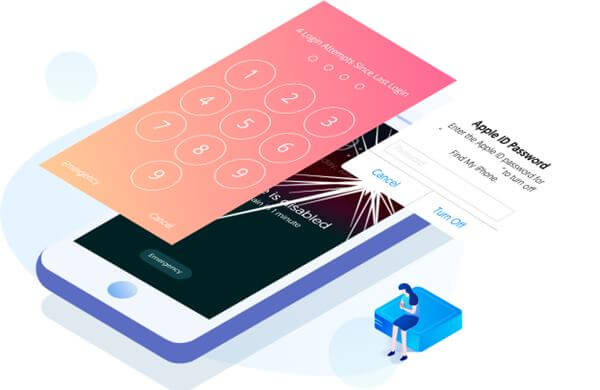
However, turning off the passcode without this tool is challenging. Meanwhile, Tenorshare is unnecessary; you can use it if you know of any other application that does the same job more quickly.
Method 2: When You Remember The Code
- First of all, hover to the Settings app and click on Face ID & Passcode .
- After that, it will ask you for the Passcode , so enter it.
- Now, simply hit the Turn Passcode Off . It will ask you for the password again. So, once you enter it again, it gets off.
