Huawei has removed its lock screen ad finally. If you already have images downloaded in your handset, you have to delete it from phone. The lock screen ad feature won’t be pushed out to other handsets anymore. The company has apologized for the customers and ensured that they won’t go through these kinds of situations again.
Huawei In Turmoil After This Incident
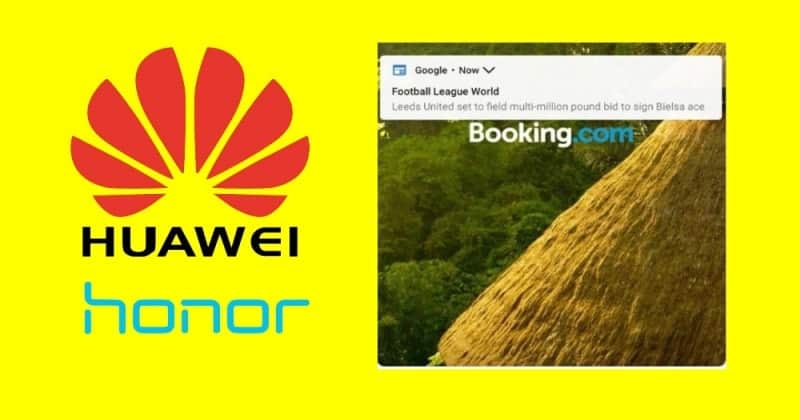
Huawei Got Rid of Lock Screen Ad
But the glitch has been removed now and those ads won’t appear on the lock screen anymore. Users who already have these images downloaded on their mobiles can delete them and use other wallpapers for their lock screen.
- When you see the logo image on the screen, swipe up from the bottom edge.
- You will be taken to the operation toolbar panel.
- There click on the delete button and click on the confirmation box that pops up.
