WinSCP is a tool that helps access, manage, and transfer files from a computer to a remote server. Transferring files from a computer to a remote server might be hectic; however, software like WinSCP made it simple. But WinSCP is only suitable for Windows operating system , so how will a Mac user do the task?
There are several WinSCP alternatives for Mac to give all Mac users relief. The best thing is that there are both free and paid options to choose from. However, finding the best WinSCP client for Mac users might take a lot of work.
So, to simplify your work, we have made a list of some of the best WinSCP alternatives for Mac . We have carefully analyzed all the features of the FTP clients before including them in our list. All of them have built-in security features to ensure file security.
1. Cyberduck
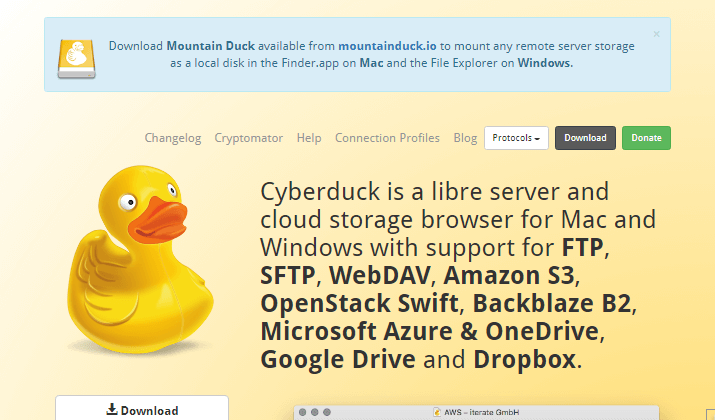
Many people believe that this client is the finest alternative to WinSCP. It is a free Mac and Windows client that supports additional Mac capabilities. This client supports data encryption and editing of remote files. Additionally, it has a user-friendly interface.
Visit Site
2. Transmit 5
Another popular client created specifically for Mac users, Transmit5 outperforms rival clients in performance, interface, security, and cloud connectivity. It features its own editor and a shortcut for quick access.

Visit Site
3. ForkLift
This is a very secure file transfer client that is only compatible with Macs. It employs very high-level encryption when sending files to servers. WinSCP offers an easy-to-use interface and straightforward operation procedures.
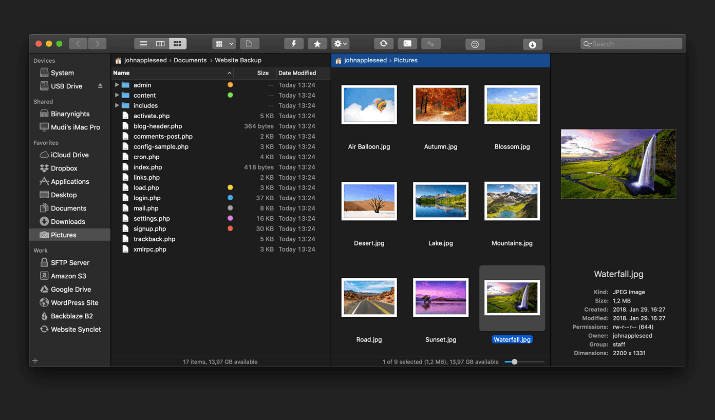
ForkLift facilitates post-transfer tasks, including file archiving, deletion, and renaming. It transfers data faster than traditional methods and is compatible with modern web servers like IIS and Apache.
Visit Site
4. muCommander
For macOS, muCommander is a free, straightforward replacement for WinSCP. A drag-and-drop interface with one window makes up its user interface. It is nevertheless well-made and simple to operate.
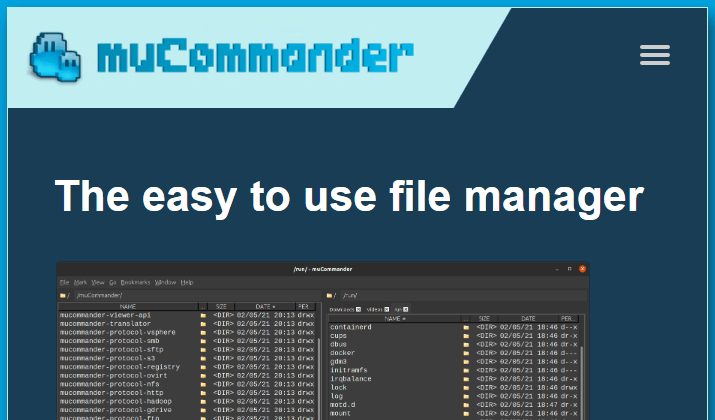
Automatic folder syncing is available, but you can also manually check the changes first. Overall, muCommander has a surprising number of capabilities and can easily replace WinSCP.
Visit Site
5. Royal TSX
Royal TSX client software is an incredibly user-friendly but powerful WinSCP alternative. You can use a single-click procedure to drag and drop files onto server locations. It has a reliable system to track file transfer status and notify users as needed.
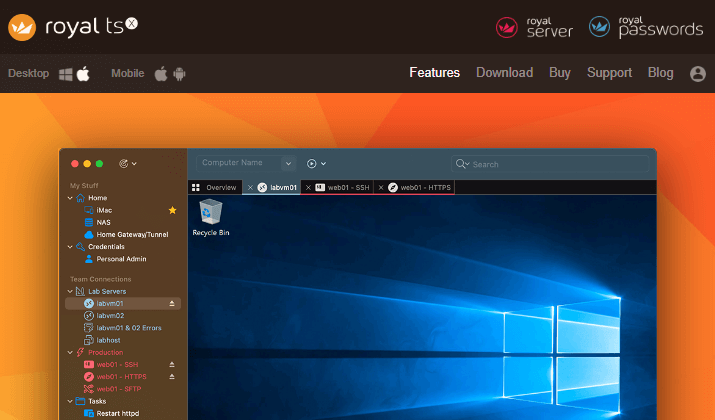
A record of previous transfers is kept for future reference and data compression for backup purposes. Despite having a licensed premium version for users, you can use the software free of cost. This is because all file transfer protocols are supported on the free version.
Visit Site
6. CuteFTP
Like other platforms, CuteFTP does not have an open-sourced and free client. It has a license fee but comprises specialized, sophisticated features. Both Windows and Mac users can use it.
For easier monitoring, users are categorized as Power users, Client users, and Secured users. CuteFTP supports all file transfer protocols, including FTP, SFTP, WebDAV, and OTP, which are used to verify legitimate users and block hackers.
Visit Site
7. FileZilla
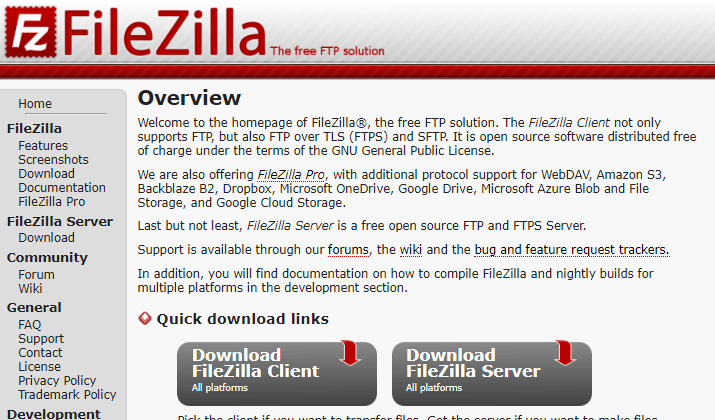
The best part of our next FTP file transfer client is its compatibility. FileZilla is supported in operating systems Windows, Mac, and Linux. It is an open-source client platform that is strong, trustworthy, extremely secure, and effective.
Visit Site
8. Classic FTP
Another WinSCP alternative is Classic FTP. Although its user interface is unattractive, the functionalities will mesmerize you. Classic FTP is a Keychain and proxy-compatible program.
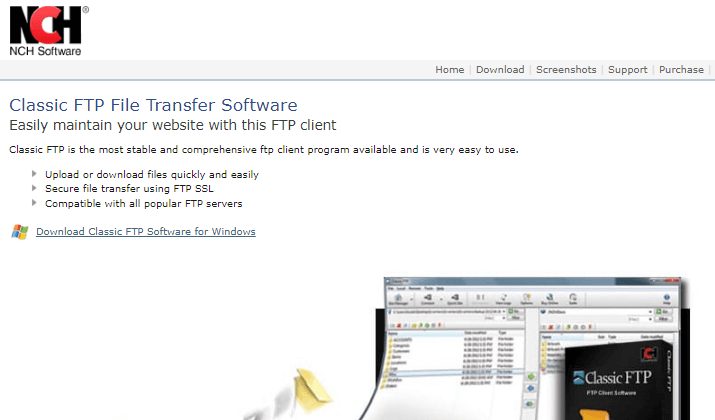
The FTP client is one of the most comprehensive and easy-to-use ones that you can use. You might not have to spend money if you want to use the client for personal use. But ClassicFTP is paid for enterprise use.
Visit Site
