PDFs are the most widely used file formats for professional and individual purposes. The format is popular because its content remains the same regardless of the device opened on. However, obtaining all documents in PDF format may not be possible. However, you can easily convert them into PDF using an online or offline PDF converter.
The offline PDF converter has many benefits. You can keep it installed on your computer and use it whenever required. Moreover, you don’t have to leave your valuable documents in the hands of your website. The offline software also provides many other features for all PDF-related editing.
By now, you may be thinking of getting yourself one such PDF editor . But if you are a professional and don’t have much time to spend on the Internet searching for the best offline PDF converter, then our list may help you out. We have sorted some of the best offline PDF converters for Windows and Mac according to their functionality.
Best Offline PDF Converter for Windows & Mac
We pick one of the best PDF converter software to convert your PDF files to any format, such as Docx, doc, jpeg, png, excel, etc. You can download these softwares offline and use it locally on the computer.
1. Wondershare PDFelement
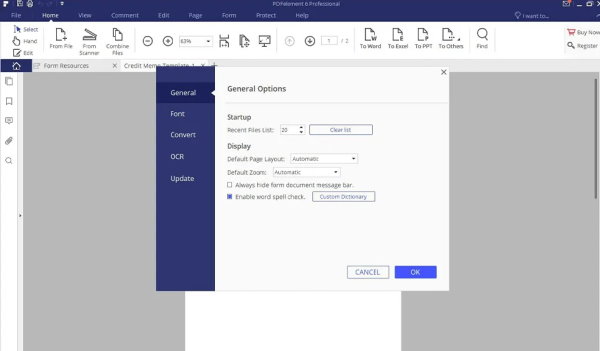
It is a popular PDF converter that can convert various document formats into PDFs. Wondershare PDFelement is downloadable, so you can install it on your computer and use it whenever you want. The user interface is straightforward, with handy options.
Word documents, Excel sheets, PowerPoint presentations, and HTML are some supported document formats in Wondershare PDFelement that can be converted into PDF. After conversion, all the original documents’ font sizes and page layouts remain intact.
Compatibility: Windows and Mac
Download
2. Nitro Pro
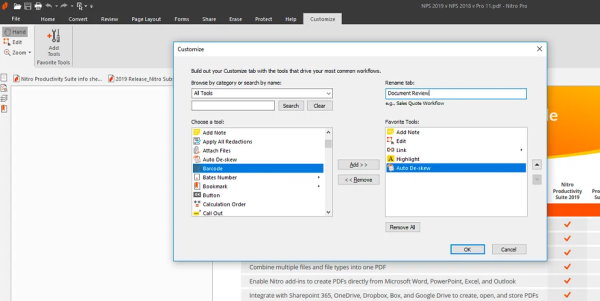
This software conveniently converts different official documents into PDFs. However, Nitro Pro is not just a PDF converter but a lot more than that, as it comprises several other tools. For example, this software can compress and sign your PDF documents.
Moreover, there is an option to select particular document areas that can be converted into PDFs, excluding the rest. Finally, Nitro Pro allows users to convert PDFs into other document formats. So, overall, this software will meet almost all your requirements.
Compatibility: Windows and Mac
Download
3. SmallPDF
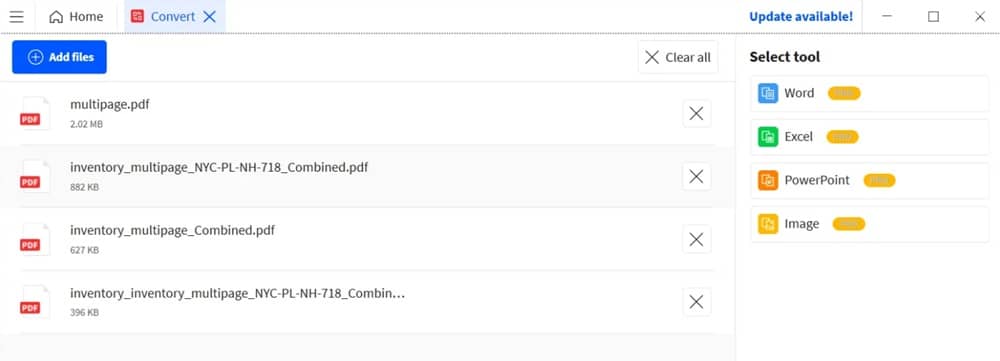
If you want versatile software that will help you with all PDF-related problems, SmallPDF is the perfect option. The software converts many widely used formats, such as JPG, HTML, PNG, etc. A unique feature of SmallPDF is its speed, which gives the output in just a few seconds.
Moreover, the user interface is clean and easy to use, which ensures easy navigation. The output is also of vivid quality. You can also compress your PDF if required using small PDF software.
Compatibility: Windows and Mac
Download
4. Soda PDF
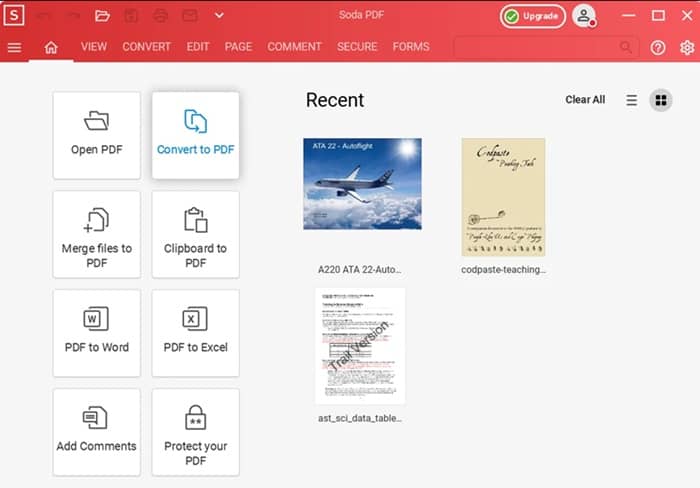
There is another offline PDF converter software that you can use to convert PDF into other document formats or vice versa. The software is named Soda PDF and is trusted by many individuals and organizations for its reliability. However, the most helpful feature of Soda PDF is its bulk conversion, which lets you convert many large files at once.
Soda PDF has many other functions to discover, like merging, compressing, and editing PDFs. However, once you get familiar with all its features, you can read your document in just a few seconds. Last but not least, you can also use it to scan images to convert them into PDFs.
Compatibility: Windows and Mac
Download
5. Foxit Phantom PDF
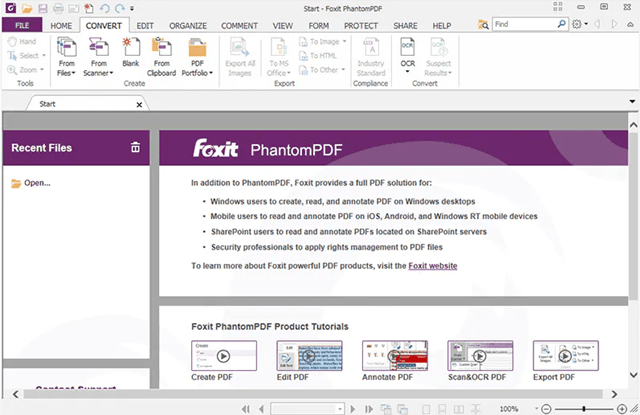
If you need to urgently convert PDF files into Word or Word documents into PDF files, then Foxit Phantom PDF will help you. Most professionals use the software for its high-speed operation and accuracy. However, even if you want to make a PDF out of a small selection of text from a big document, Foxit Phantom PDF will do the work.
Moreover, it has a mobile application that allows you to operate the software remotely when you are not in front of your computer. The biggest advantage of the software is its price, which is much cheaper than other alternatives.
Compatibility: Windows
Download
6. Adobe Acrobat DC

Adobe Acrobat DC is the most popular and oldest PDF converter on the market. This fantastic converter can quickly convert Word, HTML, or image files into PDF or vice versa. It can also create a PDF from scratch.
In addition to the features mentioned above, you can use Adobe Acrobat DC to edit, share, and comment on PDF files. The software uses OCR(Optical Character Recognition) to precisely convert everything into a new document format. There is a free trial period available with Adobe Acrobat DC.
Compatibility: Windows and Mac
Download
7. Icecream PDF Converter
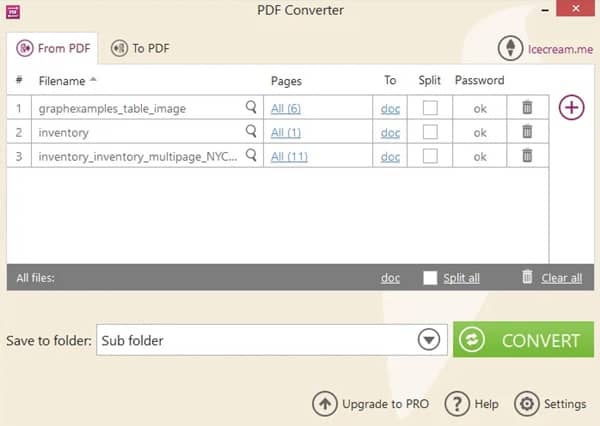
It is a free offline PDF converter that converts your documents into PDF and vice versa. In addition, Icecream PDF Converter can also be used to merge several documents into a single PDF. Some of the compatible formats in the software are JPC, Word, ePub, etc.
Along with a PDF converter, users are also offered a built-in PDF reader and password-protected files. All the essential features are available for free in Icecream PDF Converter. However, you can also avail yourself of their pro version for advanced functionality. So we would recommend trying to use the software at least once.
Compatibility: Windows
Download
8. Nuance Power PDF
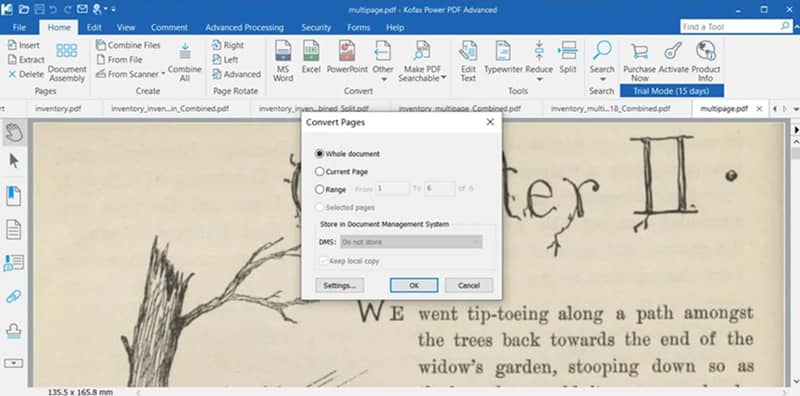
Nuance Power PDF is a high-value PDF converter, viewer, reader, and editor for professionals and individuals. The software’s interactive user interface makes it extremely easy to use by anyone without any technical knowledge.
The software offers unique functionalities that are best in class. In addition, almost all file formats, including HTML, Word, and Excel, can be converted using Nuance Power PDF—and the prices are affordable.
Compatibility: Windows
Download
9. Lumin
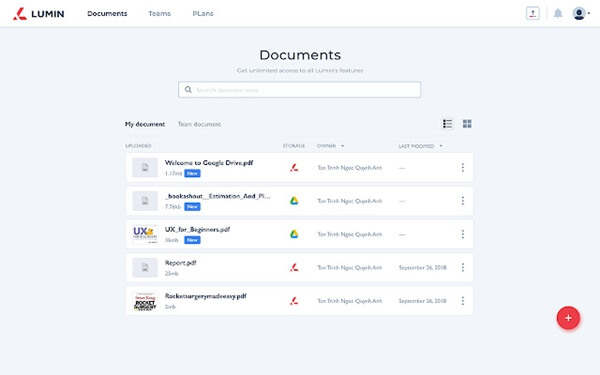
With over 75 million users, Lumin is a popular offline PDF converter software that can effortlessly convert Microsoft Office files, other documents, and JPGs into PDF format.
Moreover, you can use Lumin to merge, split, and edit a PDF document. Advanced features like annotating PDF documents and adding images and signatures are also available. Above all, it’s a full-featured PDF editor you can use to convert.
Compatibility: Windows, Android, and iOS
Download
10. TalkHelper PDFConverter
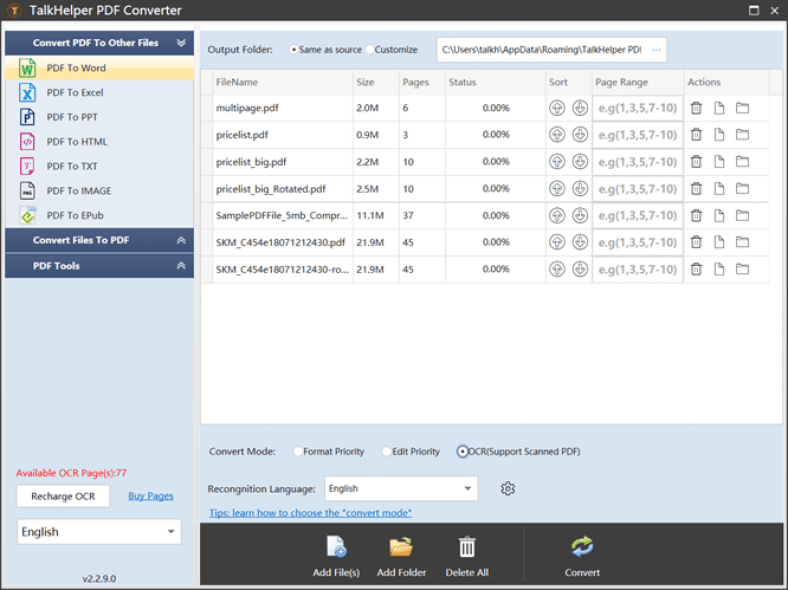
TalkHelper excels at converting other document files into PDF format. It supports several file extensions to convert PDFs, such as TIFF, JPG, BMP, PNG, GIF, HTML, DWG, EPub, and all Microsoft Office files.
Since it’s also a wholesome PDF editor, you can accomplish all PDF-related tasks like editing, merging, splitting, and more. Also, it has an inbuilt OCR feature. Overall, a handy PDF editor, whether you want to convert files or do other tasks.
Compatibility: Windows
Download
